A System Design Walkthrough (Putting It All Together)
A calm, end-to-end walkthrough showing how core system design ideas interact in a real request flow.
Until Now, We’ve Been Learning Pieces
We talked about:
- sync vs async
- caching
- rate limiting
- retries
- observability
- designing for change
Each topic made sense on its own.
But real systems don’t fail in isolation.
They fail when multiple small decisions interact.
This post is about seeing that interaction clearly.
The System We’ll Walk Through
Let’s design something intentionally boring:
A simple content API
Users request a list of items.
The system returns them.
Nothing fancy.
Just enough complexity to matter.
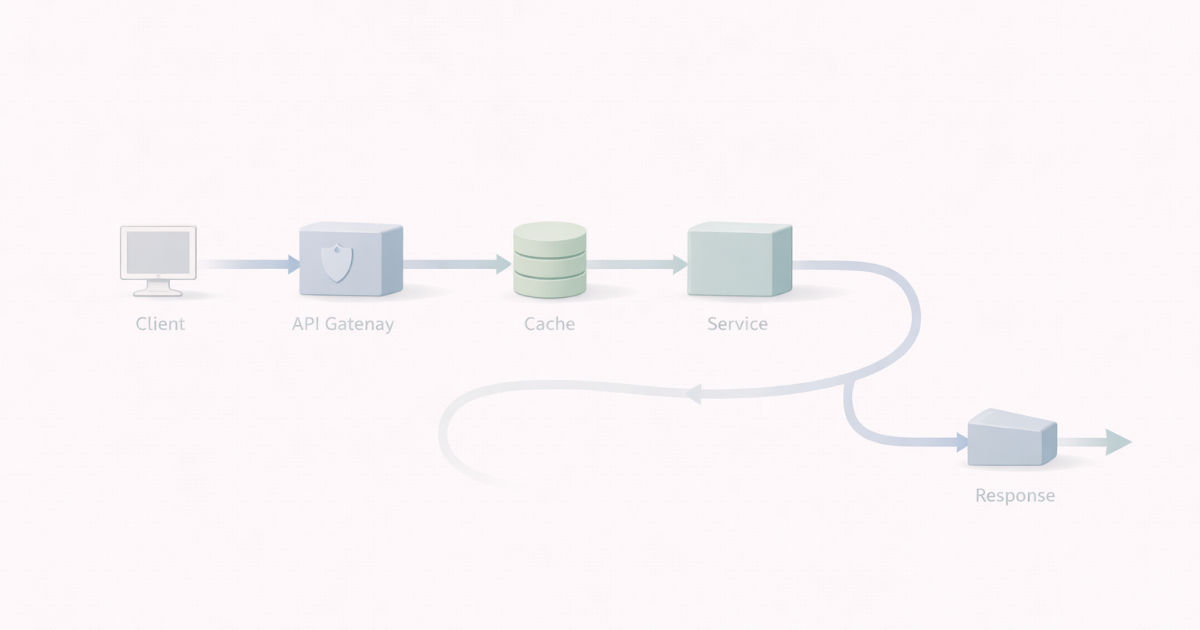
Walkthrough: End-to-End Request Flow
flowchart TD
    Client --> Auth[Authentication<br/>Authorization]

    Auth --> RateLimit[Rate Limiting]

    RateLimit --> Cache{Cache Hit?}

    Cache -->|Yes| Response[Return Response]

    Cache -->|No| Service[Call Downstream Service]

    Service -->|Success| Response

    Service -->|Slow / Fails| Protection[Timeouts<br/>Retries<br/>Circuit Breaker]

    Protection -->|Recover| Response
    Protection -->|Degrade| Fallback[Graceful Degradation]

    Fallback --> Response

    Response --> Observability[Logs · Metrics · Traces]
Every box here exists to make failure smaller, earlier, or more explainable.
Step 1: Trust Comes First
When a request arrives, the first questions are simple:
- Is this request authenticated?
- Is the user authorized to access this data?
If trust is unclear, we reject early.
Cheaply.
Calmly.
Step 2: Controlling Entry
Now assume the user is valid.
Next question:
How often are they allowed to do this?
Without rate limiting:
- one noisy client can dominate capacity
- retries amplify load
- fairness disappears
So before touching business logic, we enforce limits.
Not to punish.
To protect everyone else.
Step 3: Shaping Load with Caching
If the data is cacheable, we check the cache.
- Cache hit → fast response, minimal load
- Cache miss → continue downstream
Caching here is not an optimization.
It’s a load-shaping decision.
Step 4: Calling Downstream Services
Now things get interesting.
We must decide:
- sync or async
- timeout duration
- retry behavior
A single retry feels harmless.
At scale, retries multiply pressure.
So retries are:
- bounded
- deliberate
- paired with timeouts
Step 5: Failing Gracefully
If a dependency is slow or failing:
- we don’t wait forever
- we don’t retry endlessly
We apply:
- timeouts
- circuit breakers
- graceful degradation
The goal is simple:
Fail in a controlled way.
Step 6: Understanding What Happened
When something feels off, we ask:
- Where did the time go?
- Which dependency slowed things down?
- Was this request different?
If we can’t answer that, everything above becomes guesswork.
Observability turns confusion into explanation.
Step 7: Surviving the Next Change
Now imagine:
- traffic doubles
- a new feature is added
- a new consumer appears
If this system has:
- clear boundaries
- explicit contracts
- observable behavior
Change hurts less.
If not, every change becomes a gamble.
What This Walkthrough Is Really About
This isn’t about one system.
It’s about a way of thinking:
- Protect shared resources
- Make limits explicit
- Expect partial failure
- Design for explanation
- Assume change will come
No single decision saves you.
Together, they make systems boringly reliable.
System design is not choosing the right box.
It’s choosing how failures behave.
Everything else is secondary.
What Comes Next
We’ve seen the pieces.
We’ve seen them together.
Now we step back and ask:
What did we actually learn?
Next: System Design Is a Way of Thinking